IsoShapes
A downloadable tool
IsoShapes
IsoShapes is a small Aseprite extension that helps you with those pesky isometric circles and shapes. Anyone who has tried to hand-place a round shape or a clean box onto an isometric floor or wall knows the drill: skew, count pixels, nudge, squint, undo, repeat. IsoShapes does that part for you.
It is actively developed and has grown well beyond circles — it now handles cylinders, rectangles, and boxes too.
What it does today
Circles & cylinders
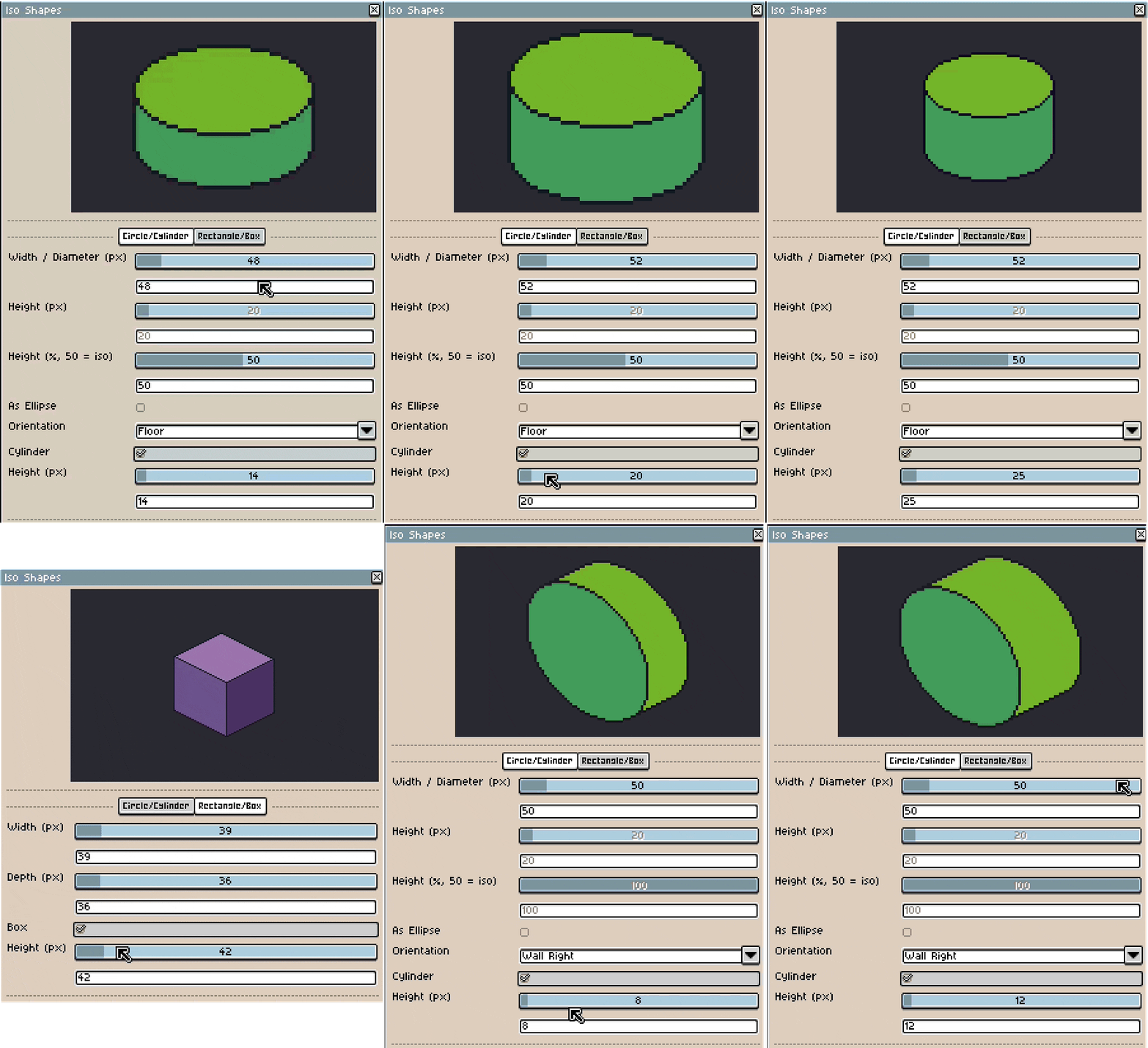
- Isometric circles for floor and walls — flat floor discs plus circles tilted onto a left or right wall.
- Free ellipses — switch to arbitrary width × height when you need something that isn't a perfect circle.
- Adjustable roundness — a single control tunes how round or squashed the shape sits (50 % = true isometric), so wall circles look curved instead of boxy.
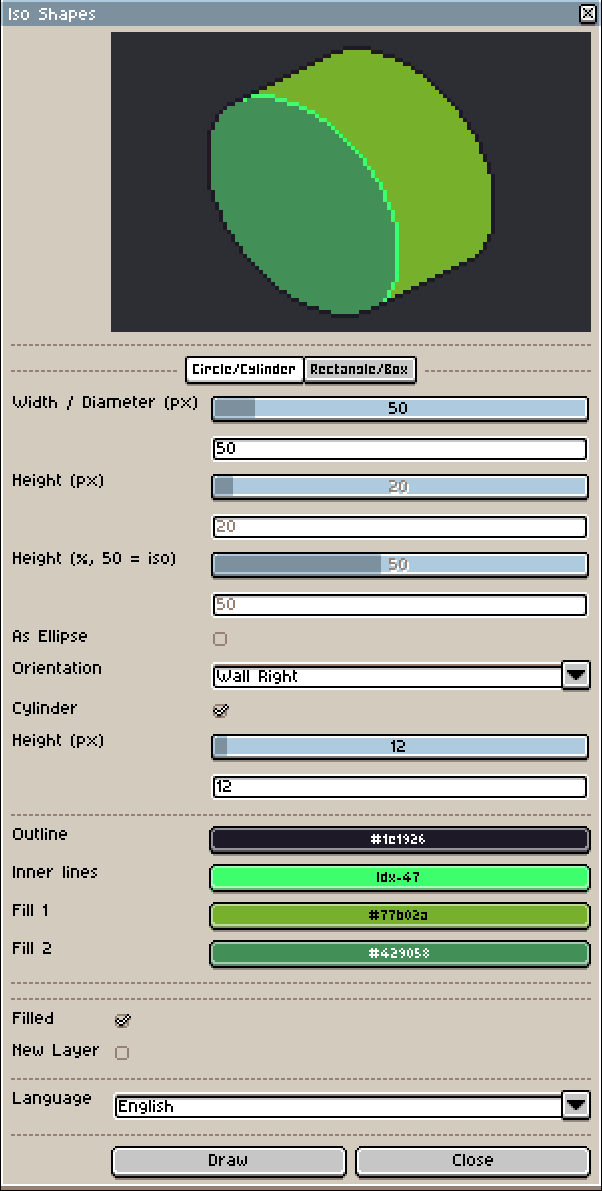
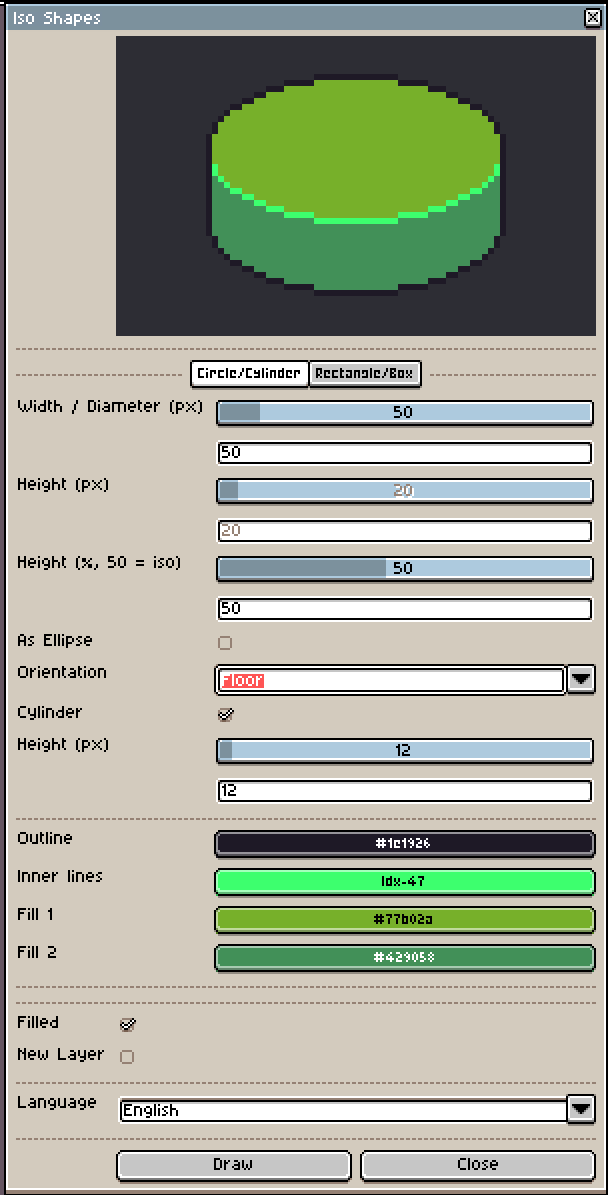
- Cylinders — turn any circle into a cylinder: an upright barrel standing on the floor, or a log lying along a wall axis.
Rectangles & boxes
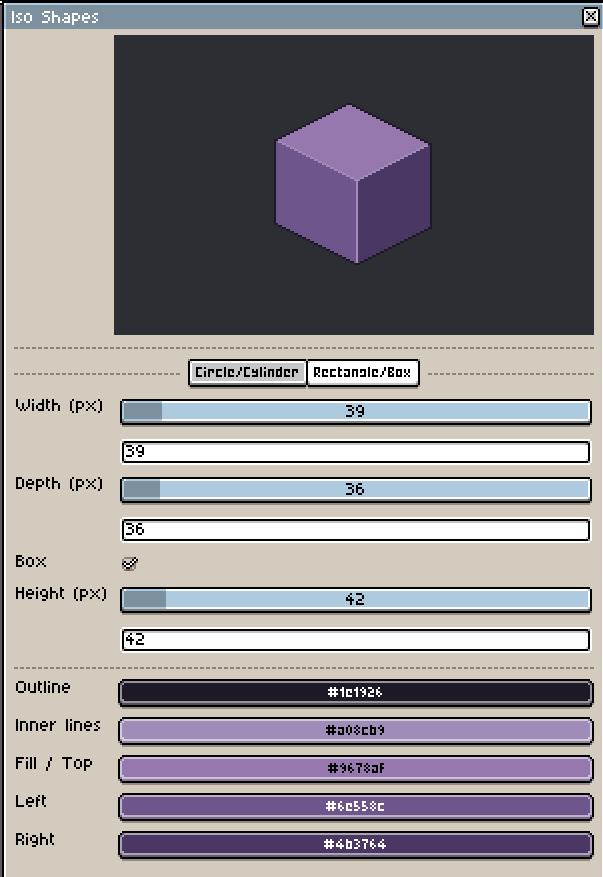
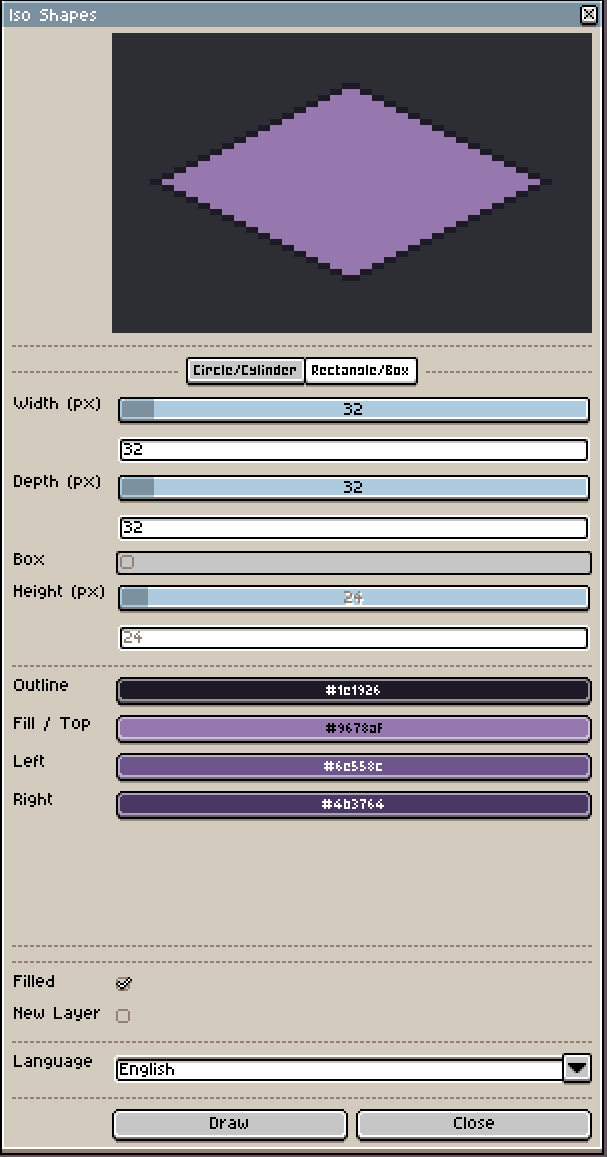
- Isometric rectangles — set width and depth for a clean isometric floor tile.
- Boxes — tick a box (pun intended) to extrude the rectangle into a 3D isometric box with adjustable height and clean, consistent edges.
Colors & output
- Pick your own colors — a dedicated outline color plus fill colors for each visible face (top / left / right for boxes, body / cap for cylinders). No more fighting the palette after the fact.
- Separate inner-edge color — cylinders and boxes get an extra color for the seams between faces, the classic pixel-art trick for cleaner shading than a flat black wireframe.
- Filled or outline-only — filled shapes get their faces plus a crisp outline drawn on top.
- Live preview — see the exact result before you draw, updating as you tweak size, orientation, and colors.
- Drawn on the active layer or a fresh one, as one clean undo step.
- Works in RGB, Grayscale, and Indexed color modes.
- English and German interface.
Why you might want it
Isometric art lives and dies by consistency. Eyeballing every circle and box means every barrel, table, crate, tower base, and wall window ends up slightly different. IsoShapes gives you the same correct shape every time, at any size, in a couple of clicks — so you can spend your time on the art, not on counting pixels.
A note on pixel accuracy
Pixels are discrete, so not every size has a perfectly symmetric isometric solution — for some width / height / length combinations the ideal shape simply falls between pixels. IsoShapes always renders the cleanest result it can, but at certain sizes a shape may sit a pixel off or look slightly asymmetric. Often a size one step up or down lands cleanly, and nudging a pixel or two by hand is occasionally the final touch. That's the nature of isometric pixel art, not a bug.
Roadmap
IsoShapes keeps growing. Planned next:
- Bevelled edges for boxes.
- Face-shading helpers to auto-tone the fills.
- More isometric primitives and workflow refinements.
Because it's in active development, your feedback genuinely shapes what comes next. If something feels off or you're missing a shape, let me know.
Purchase
In order to download this tool you must purchase it at or above the minimum price of $3.99 USD. You will get access to the following files:
Development log
- IsoShapes 2.1 — Inner-edge color10 hours ago
- IsoShapes 2.0 — Cylinders, Boxes & Free Colors1 day ago
Leave a comment
Log in with itch.io to leave a comment.